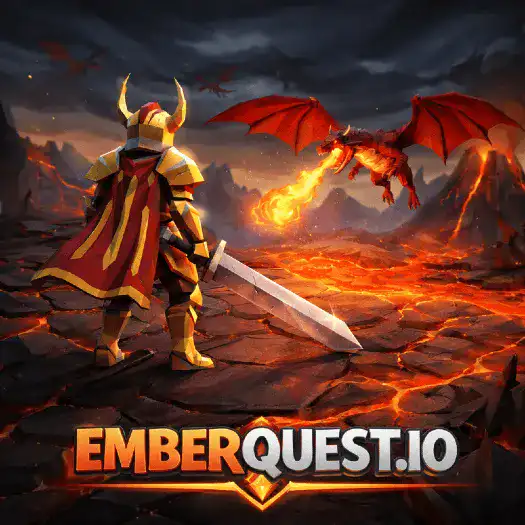
EmberQuest.io


Description:
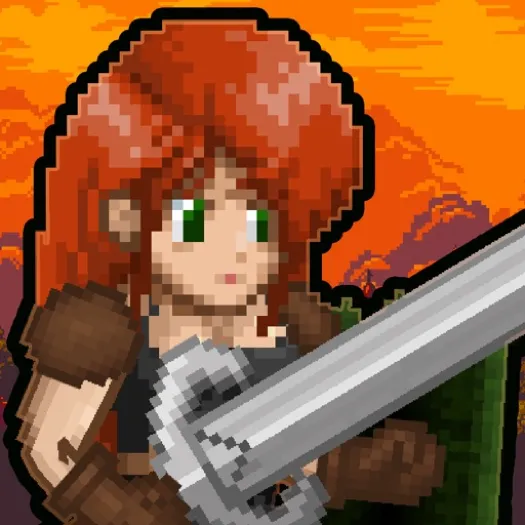
EmberQuest.io is a browser MMORPG where you explore a big open world, fight enemies, and build your character over time. The game mixes simple action combat with long-term progress, so you’re always working toward better gear, skills, and rewards.
Open world adventure
The world is wide and always active. You move through forests, towns, and dangerous zones while meeting other players along the way. Some areas feel safe, while others are risky and full of fights.
Quests and progression
There are many quests, and most are easy to understand. You might hunt enemies, find items, or explore new places. These tasks help you level up and give you better rewards as you go.
Combat and classes
Combat happens in real time. You aim, attack, and move at the same time, so positioning matters. There are different class styles like warrior or archer, but you are not locked into strict rules. You can try different weapons and play how you like.
Skills and activities
Fighting is not the only thing to do. You can:
- Mine ore and gather resources
- Chop trees for materials
- Fish for items and bonuses
- Craft and upgrade gear
These activities help you improve your character in different ways.
Multiplayer and PvP
You are always playing with other people. You can team up for bosses or fight against players in open areas. Some zones have low risk, while others can make you lose valuable loot if you lose a fight.
Boss fights and loot
Bosses appear in the world and anyone nearby can join the fight. Winning gives better loot and makes progress faster. Since bosses are not locked to small groups, fights can get crowded and chaotic.
Simple but deep gameplay
The systems are easy to understand at first, but there is depth over time. You choose how to fight, what to gather, and where to go next. Some builds work better for PvP, while others are better for farming or bosses.
Instructions:
Auto-Walk: Toggle with ~
Combat: Hold Left Mouse to aim and fire
Sprint/Dash: Hold Shift
Jump / Tricks: Spacebar
Interact: Press E
Quick Slots: Keys 1–0
Mount: V
Inventory: B
Map: M
Emotes: Middle Mouse Button
Camera Orbit: Right Mouse Drag
Pan View: Middle Mouse Drag
Zoom: Mouse Wheel
Categories:


Comments