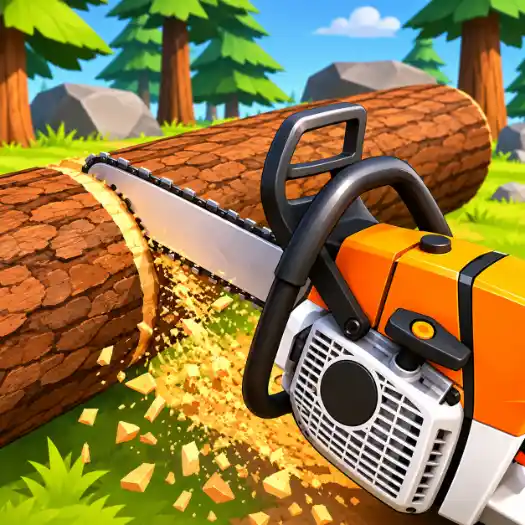
Lumberjack Simulator 3D


Description:
Lumberjack Simulator 3D is a 3D logging game where you cut down trees, collect wood, and build your own lumber business. You start in a forest with a simple axe and a small amount of equipment. Your job is to turn raw wood into useful products, earn money, and slowly grow your business.
How to Play Lumberjack Simulator 3D
Start by exploring the forest and finding trees to cut down. Each tree needs to be chopped, cleared of branches, and cut into smaller logs. Carry the logs to your sawmill, where you can process them into wooden planks and other materials.
As you earn money, you can buy better tools and improve your sawmill. You can also repair an old pickup truck to transport larger amounts of wood. This makes it easier to collect logs from trees farther away.
Build and Expand Your Logging Business
There is more to the game than cutting trees. You can expand your sawmill, add new machines, and turn wood into different products. You can even build a house in the forest and craft furniture using the materials you collect.
As your business grows, you get access to better equipment and more ways to process wood. The main goal is to keep collecting resources, improving your tools, and building a larger logging operation.
Game Features
- Tree Cutting: Chop down trees, remove branches, and prepare logs.
- Wood Processing: Turn logs into planks and other useful materials.
- Vehicles: Repair and use a pickup truck to transport wood.
- Sawmill Upgrades: Add machinery and improve your wood production.
- Building and Crafting: Build a forest home and make wooden furniture.
- Forest Exploration: Explore different areas to find more trees and resources.
Lumberjack Simulator 3D combines tree cutting, resource collection, and business management. You can focus on gathering wood, expanding your sawmill, or building things with the materials you produce.
Instructions:
Controls
- WASD: Move.
- Mouse: Look around.
- Left Mouse Button or E: Use tools and interact.
- Space: Jump.
- Shift: Run.
- Ctrl: Crouch.
- Q: Switch tools.
- M: Open the shop.
- Tab: Show the mouse cursor.
- P: Open settings.
Categories:


Tags:
Comments