





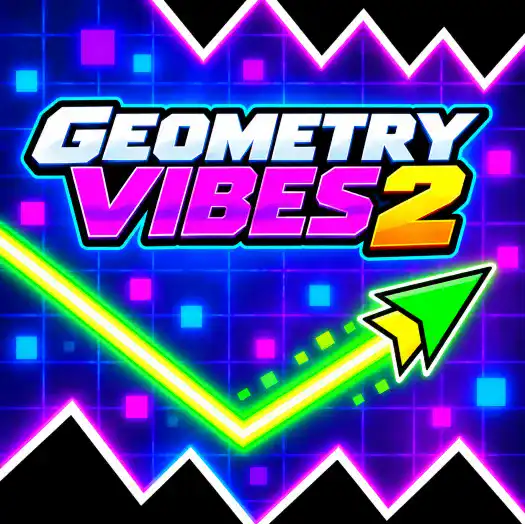
Geometry Vibes 2


Description:
Geometry Vibes 2 is a fast arcade game where you guide a moving arrow through levels filled with spikes, walls, and tight gaps. The arrow keeps moving forward, so every obstacle becomes a test of timing and focus.
Your main goal is simple. Make it through each course without hitting anything and reach the finish. The paths get harder as you progress, with smaller spaces, sharper turns, and obstacle patterns that leave little room for mistakes.
Fast Geometry Challenges
Geometry Vibes 2 has 20 classic levels that become more difficult over time. Early stages give you space to learn the movement, while later levels add longer obstacle sections and narrow passages that need precise timing.
The game also includes an Infinity Mode. Instead of reaching a normal finish, you keep going for as long as possible. The challenge is to survive longer and improve your best distance.
Race Against Other Players
Geometry Vibes 2 also adds multiplayer racing. You can compete with other players while everyone tries to survive the same kind of dangerous geometric course. One mistake can quickly change who is ahead.
Customize Your Arrow
You can collect coins while playing and use your progress to unlock different arrow skins and trails. These changes do not make the levels easier, but they give you more ways to change how your arrow looks.
What Makes Geometry Vibes 2 Fun?
- 20 classic levels with increasing difficulty
- Fast stages filled with spikes, walls, and traps
- Infinity Mode for longer survival runs
- Multiplayer races against other players
- Coins, arrow skins, and trail customization
- Short stages that reward good timing and quick reactions
Geometry Vibes 2 keeps the gameplay simple but makes every small movement matter. If you enjoy reaction games, obstacle courses, and trying the same tricky section until you finally pass it, there is plenty to work through.
Instructions:
- Player 1: Left Mouse Button or Space
- Player 2: Up Arrow
- Player 3: H
- Player 4: L
- Hold: Move upward
- Release: Move downward
Categories:
Comments

New Games











Gamenora © 2026. All rights reserved. | Privacy Policy | Terms and Conditions