





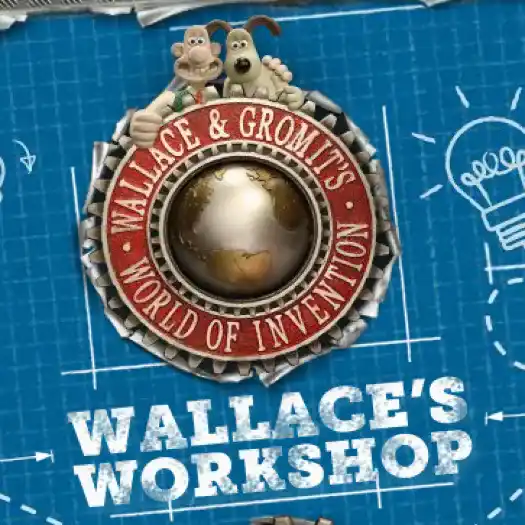
Wallace's Workshop


Description:
Wallace's Workshop is a physics puzzle game where you build strange machines to solve each level. The goal is simple. You need to get a crash test version of Wallace from one side of the workshop to the exit tube. But getting there takes some thinking.
Each level gives you a setup with obstacles and a few tools. You place parts like wheels, motors, rockets, and even explosives to create a working machine. When everything is ready, you test your build and see if it actually works. Sometimes it does. Most times, it doesn’t, and you go back and fix it.
Building and Testing
The main part of the game is building. You connect different items together and try to create movement. For example, you might use a motor to spin wheels or a balloon to lift parts into the air. Everything follows physics, so weight and balance matter.
Testing your machine is where things get fun. Wallace gets launched, pushed, or thrown across the workshop. If he misses the goal, you adjust your setup and try again. It’s a lot of trial and error, but that’s the point.
Puzzle Variety
- Different tools: Use engines, cables, rockets, and more to build solutions
- Multiple solutions: Many levels can be solved in different ways
- Increasing difficulty: Early levels are simple, later ones need more planning
- Physics-based results: Every action depends on how your machine is built
Some levels feel easy at first, but small mistakes can break everything. You might need to change angles, add support, or rethink your whole idea.
Experiment and Improve
The game gives you space to try weird ideas. You can build simple machines or complex setups with lots of moving parts. Watching your design either work perfectly or completely fail is part of the fun.
Wallace's Workshop is all about testing ideas and improving them step by step. If you like solving puzzles by building things and seeing how they react, this game keeps you busy for a long time.
Instructions:
Categories:
Comments

New Games
























Gamenora © 2026. All rights reserved. | Privacy Policy | Terms and Conditions